1. Blog
  2. Article

Canonical
11 June 2010

Quickly Run with a Ctrl+R Keyboard Shortcut in Gedit


I'm all about workflow, so the first thing I wanted to do when trying quickly was to make sure I could hit a keyboard shortcut to build and run from within my editor.

It was a bit fiddly, but here's something that works:

In Gedit go to Tools=>Manage External Tools...

Then add this:


Here's the code:

#!/bin/sh
EHOME=`echo $HOME | sed "s/#/\#/"`
DIR=$GEDIT_CURRENT_DOCUMENT_DIR
while test "$DIR" != "/"; do
    if [ -f "${DIR}/setup.py" ]; then
        echo "Using quickly from ${DIR}" | sed "s#$EHOME#~#" > /dev/stderr
        cd ${DIR}
        quickly run
        exit
    fi
    DIR=`dirname "${DIR}"`
done
echo "Couldn't find Quickly project folder!" > /dev/stderr

Hope this helps you too.


Related posts

Designing a better future: your guide to design contribution in Open Source

This guide covers why design matters in open source, and how designers can make a bigger impact in open source software.

From personas to archetypes: a living, shared understanding of the people we build for (Part 2 of 2)

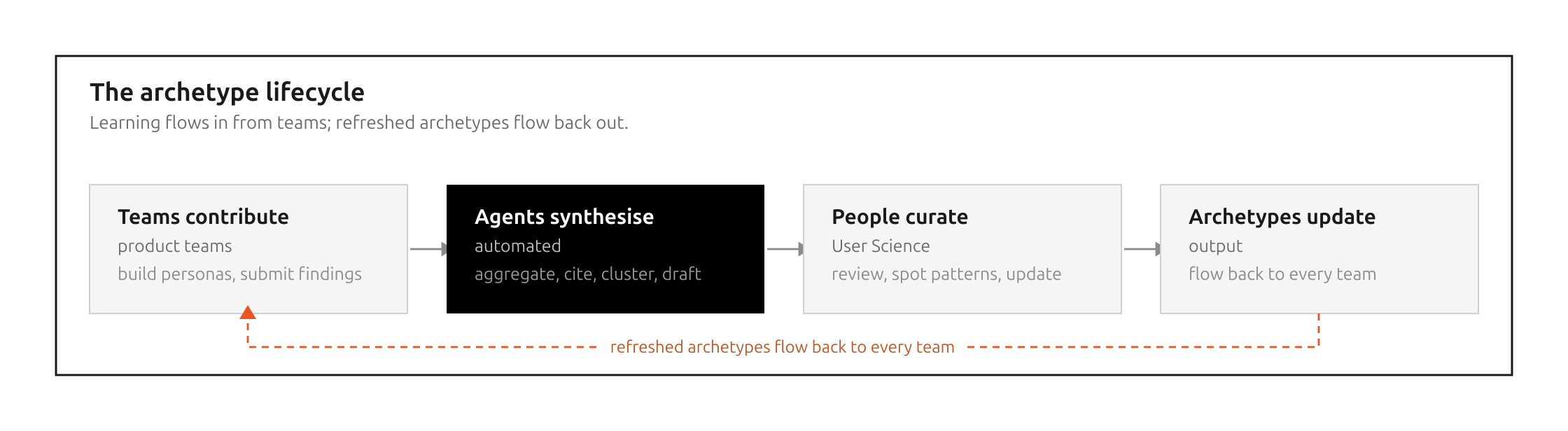
This is the second of two posts on our archetypes, shared, machine-readable descriptions of the people we build for. The first covers why we needed them and what they are. This...

From personas to archetypes: a living, shared understanding of the people we build for (Part 1 of 2)

Personas are easy to create but often ignored. This is the first of two posts about how we developed archetypes to keep our personas fresh at Canonical. These are shared,...

What designers should know about semiotics

What happens when you look at an apple? When you see it, you perceive the apple and assign meaning to it based on your language, experience, and personal preferences – such as...